
KAILORA · AI ASSISTANT
Ask your books. In English, Hindi, or eight other languages.
Kailora's assistant answers questions from your actual ledgers — "what did we spend on freight last quarter?", "which customers crossed their credit limit?" — and its scanner reads photographed bills, invoices and receipts into drafts you approve before anything posts.
Point the camera at paper, get a draft entry
Photograph a supplier bill in the mobile app and the AI reads the vendor, GSTIN, dates, line items and taxes, matches them against what's already on file, and opens a prefilled purchase bill for review. Your own sales invoice becomes a sales invoice; a payment receipt becomes a money-in receipt allocated to open documents. Nothing posts without your eyes on it — the assistant flags every uncertainty ("no 12% tax slab is configured", "vendor not on file") instead of guessing.
TDS that suggests itself
When a scanned bill looks like a contractor, professional-fee or rent payment, Kailora suggests the matching TDS section and rate from your configured withholding taxes — with the reason stated, so your accountant can confirm or clear it in one glance.
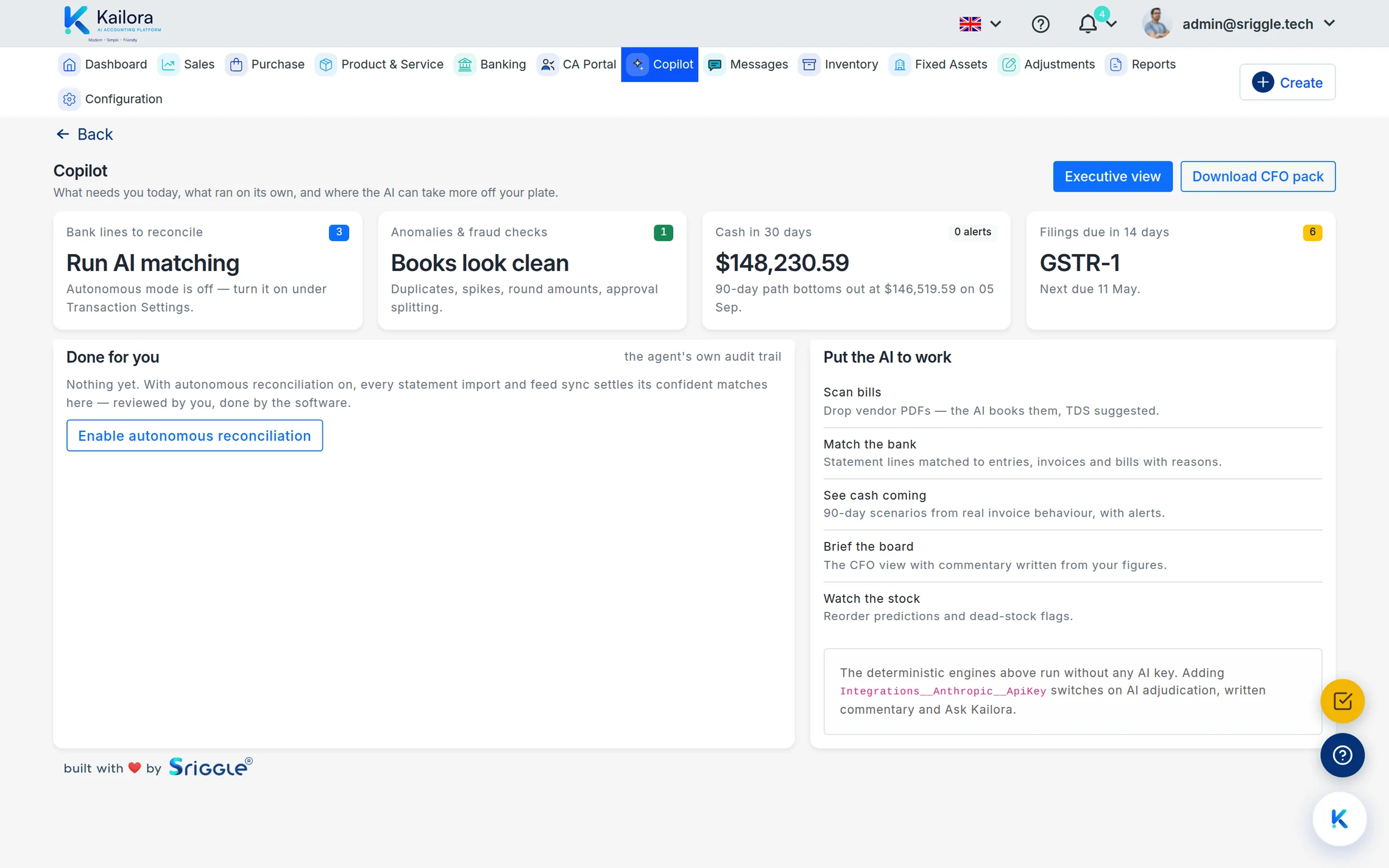
A Copilot that queues its own work
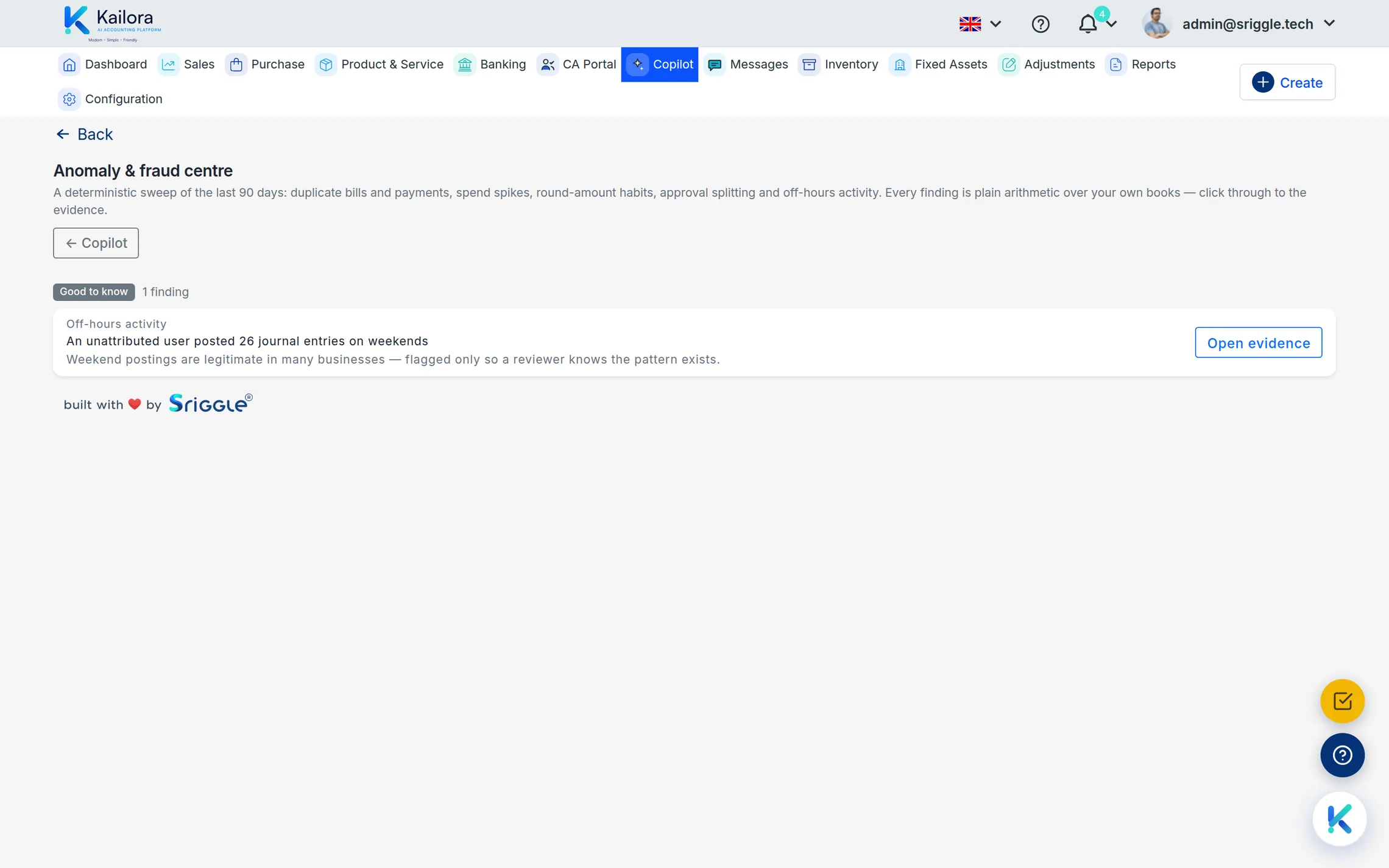
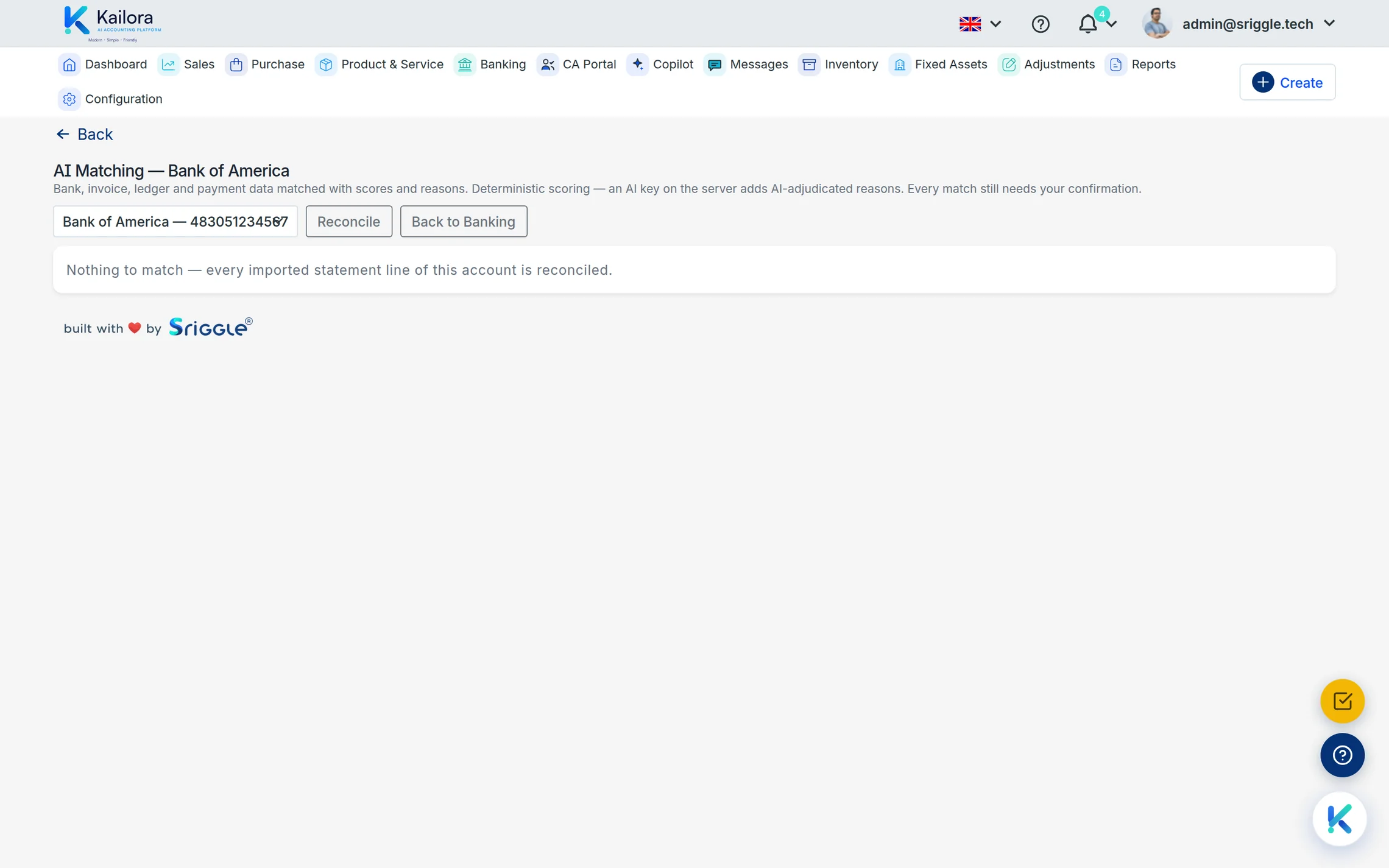
The Copilot home shows what needs you today: bank lines to reconcile, anomaly and fraud checks (duplicates, spikes, round amounts, approval splitting), the 90-day cash path, and the filings due next. Turn on autonomous reconciliation and confident statement matches settle themselves — reviewed by you, done by the software, each with its own audit trail. The Executive view writes board-ready commentary from your real figures, downloadable as a CFO pack.
Honest by design
AI features are opt-in per user, scans are metered with a visible credit balance, and every extraction carries its warnings with it into the editor. That's a deliberate trade: a slightly slower first minute in exchange for books you can defend in an assessment.
Straight from the product
Real screens from a live Kailora — not mockups.
Common questions
Which documents can the AI read?
Photos and PDFs of supplier bills, your own sales invoices, and payment receipts — from the camera, gallery or file picker, on Android and iOS as well as the web.
Does AI ever post entries automatically?
No. Every scan opens as a draft with its warnings attached. You review, adjust and post.
Works even better with
Expenses & Purchases
Photograph supplier bills and expenses; AI reads them into drafts with vendor, GST and TDS matched
Invoicing
Raise GST-compliant invoices with CGST/SGST/IGST resolved automatically, register e-invoice IRNs and generate e-way bills from the invoice itself.
Tax Center
GSTR-1 and 3B workings, e-invoice and e-way bill status, TDS/TCS tracking with section-wise summaries
Give your books the week off.
Start free — no card, no lock-in. Your data stays exportable, always.