
KAILORA · EXPENSES & PURCHASES
Your purchase desk, minus the typing
A stack of supplier bills used to be an evening of data entry. In Kailora, photograph a bill and the AI reads it — vendor and taxes matched against what's on file, honest warnings wherever it isn't sure — or bring the whole stack in at once from an Excel sheet you review before anything saves.
Scan one bill, or import a hundred
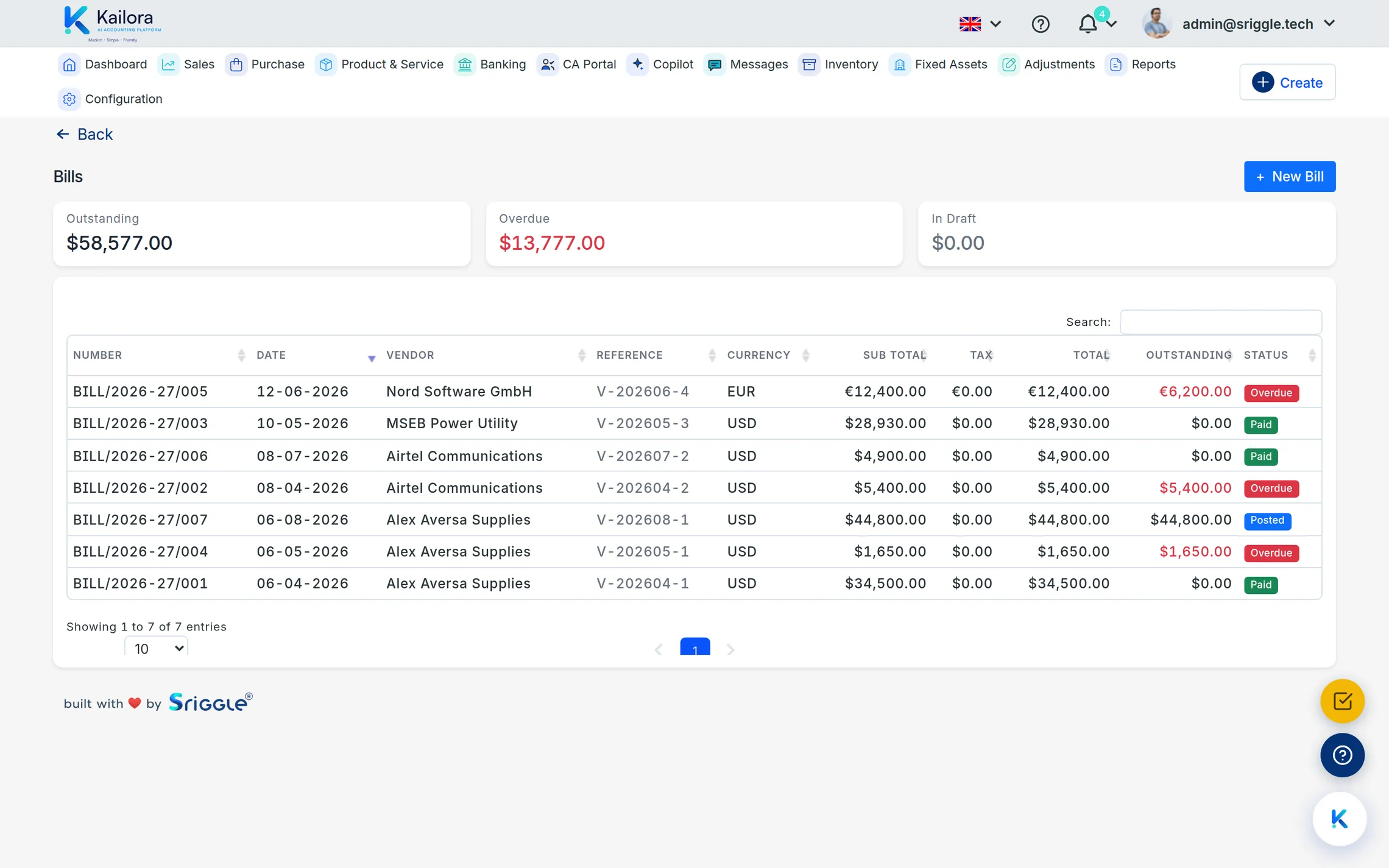
Scan a bill at a time — upload a PDF on the web or photograph it from the mobile app's Purchases screen — and the editor fills itself for your review. Each successful read costs one scan credit; failures cost nothing and say why they failed. Got a whole stack? Fill Kailora's Excel template and import them together: a preview shows every bill with its checks, suppliers not yet on file are created only with your permission, and the batch posts immediately or lands as drafts — your choice.
Purchase orders to bills to payments
Orders convert to bills, bills age in your payables, and payments allocate oldest-first automatically — or exactly as you choose. Debit notes handle returns without breaking the trail.
Expense discipline that doesn't slow anyone down
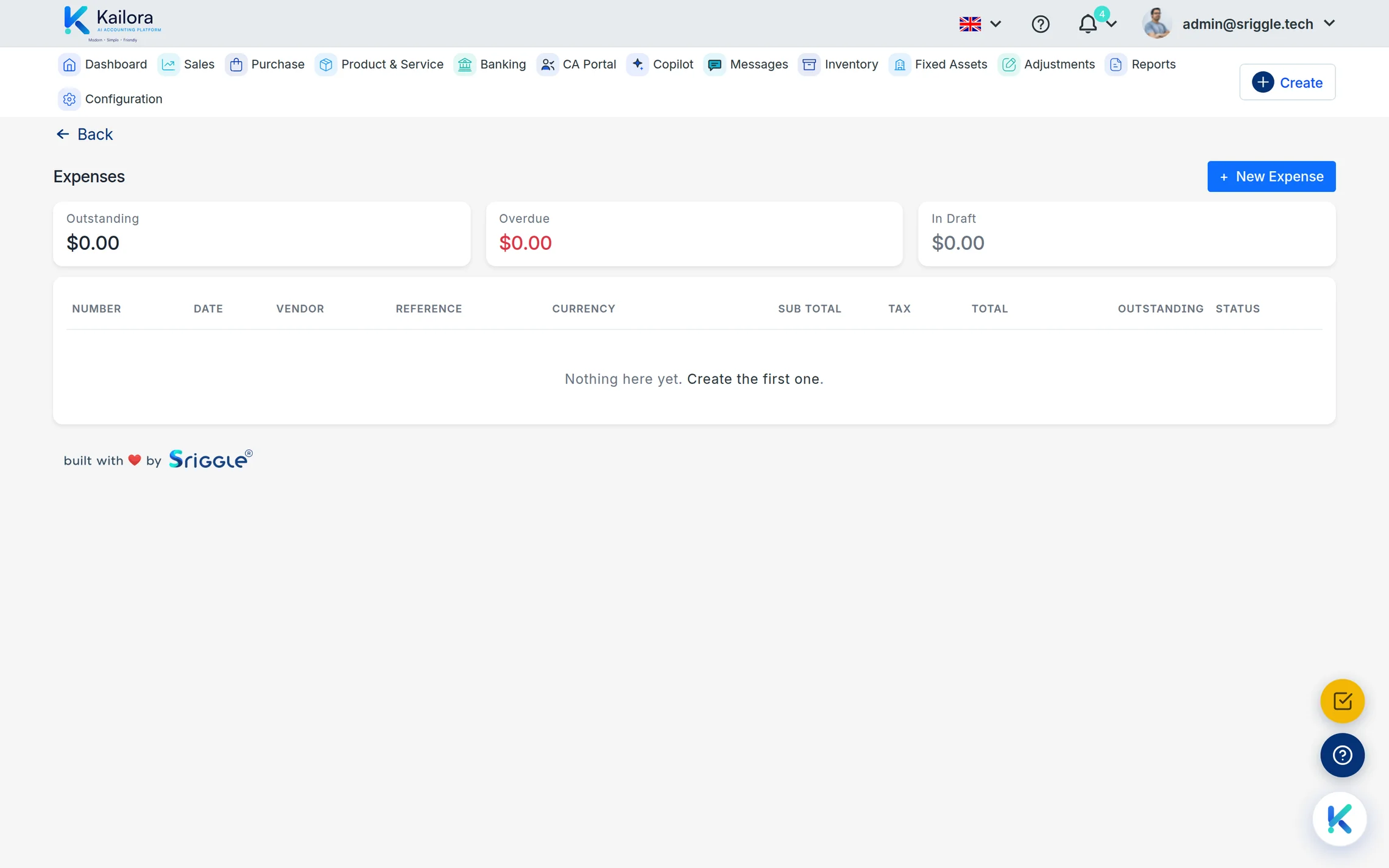
Simple expenses skip the vendor ceremony and book in seconds. Recurring bills (rent, subscriptions, retainers) raise themselves. And because the scanner suggests TDS sections where they apply, the deduction happens when the bill books — not as a year-end scramble.
Straight from the product
Real screens from a live Kailora — not mockups.
Common questions
What file types can I scan?
Photos (camera or gallery) and PDFs, one document per scan, on web, Android and iOS.
How are scan credits charged?
Per successfully read document, against a visible balance you top up under Subscription & Billing.
Can I bring in many bills at once?
Yes — download the Excel template on the Bills screen, fill one row per line item, and upload. You review every bill on a preview, approve any new suppliers it needs to create, and choose whether the batch posts immediately or imports as drafts. Excel imports are free — no scan credits.
Can I edit, cancel or delete a bill?
Bills work draft-first too: save, review, then confirm with one click. Each bill carries two numbers — Kailora's auto-generated internal number that keeps your purchase register gapless, and the Supplier Bill No. printed on their invoice, which powers the duplicate-bill guardrail. Drafts can be edited or deleted freely; a posted, unpaid bill is amended by reversal under the same number, and cancellation keeps the bill and its number on record — nothing posted is ever erased.
Can a debit note reference the bill it corrects?
Yes. Pick the vendor’s bill in the debit note’s "Against bill" field: when the note posts it is applied to that bill automatically, the outstanding drops, and both pages show the link — the note names its bill, the bill lists the notes raised against it. The link only accepts a booked bill of the same vendor.
Can I match a supplier's rounded bill total?
Yes. Bills carry the same Round off line as invoices, just above the total: enter the supplier's own rounding — say −0.40 where their bill is written to the rupee — and your payable matches their document exactly. The adjustment posts to a Rounding difference account, so the bill still balances to the paisa.
Works even better with
AI Assistant
Ask questions like 'who hasn't paid me since March?' and get answers from your actual ledgers
Banking
Connect banks over Account Aggregator, import statements, and reconcile receipts and payments against your books with smart allocation.
Tax Center
GSTR-1 and 3B workings, e-invoice and e-way bill status, TDS/TCS tracking with section-wise summaries
Give your books the week off.
Start free — no card, no lock-in. Your data stays exportable, always.