
KAILORA · SETTINGS & SECURITY
Set it up once, trust it daily
Settings is where Kailora earns trust: entities, users and roles, numbering series, taxes, currencies — and the security hardware around your books, from two-factor sign-in to a biometric lock on the mobile apps.
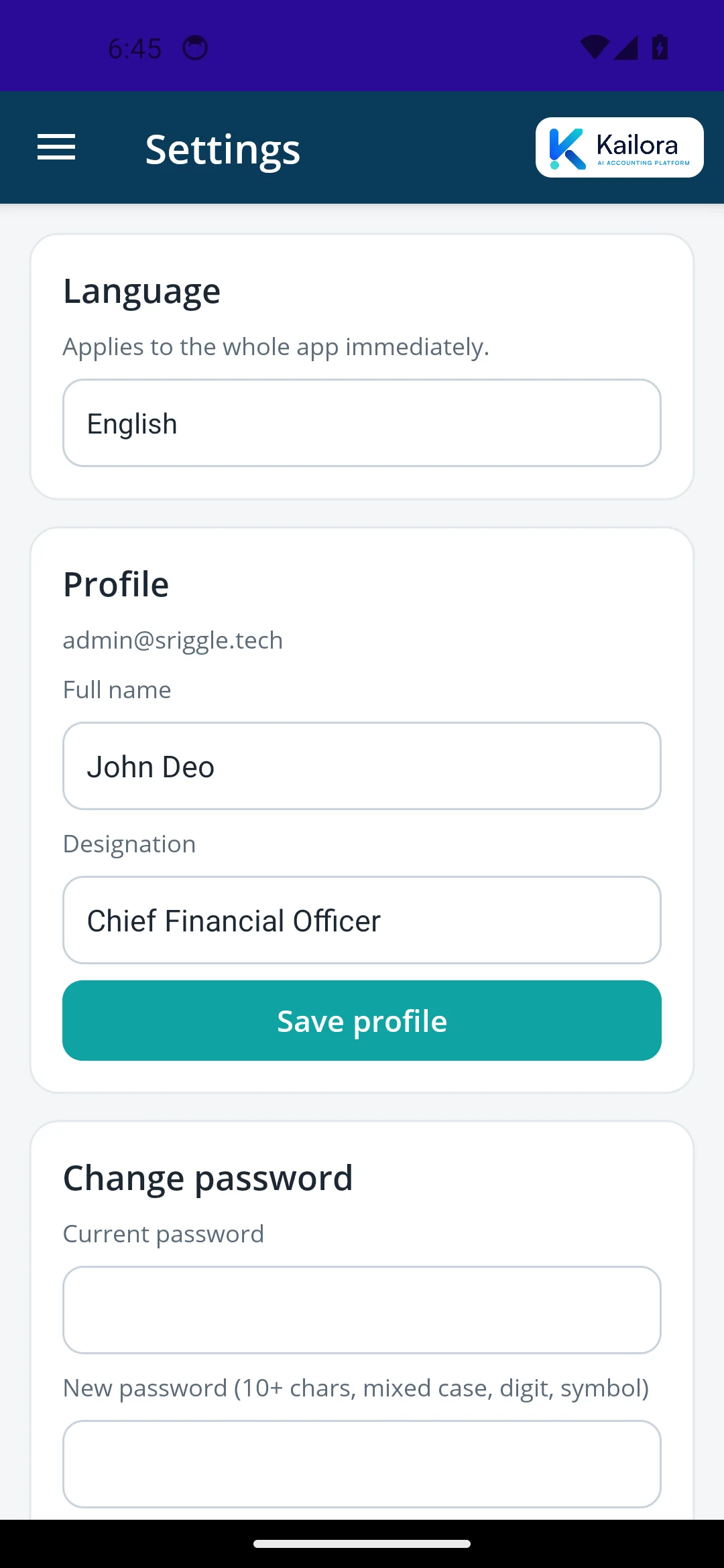
Multi-entity, multi-user, multi-language
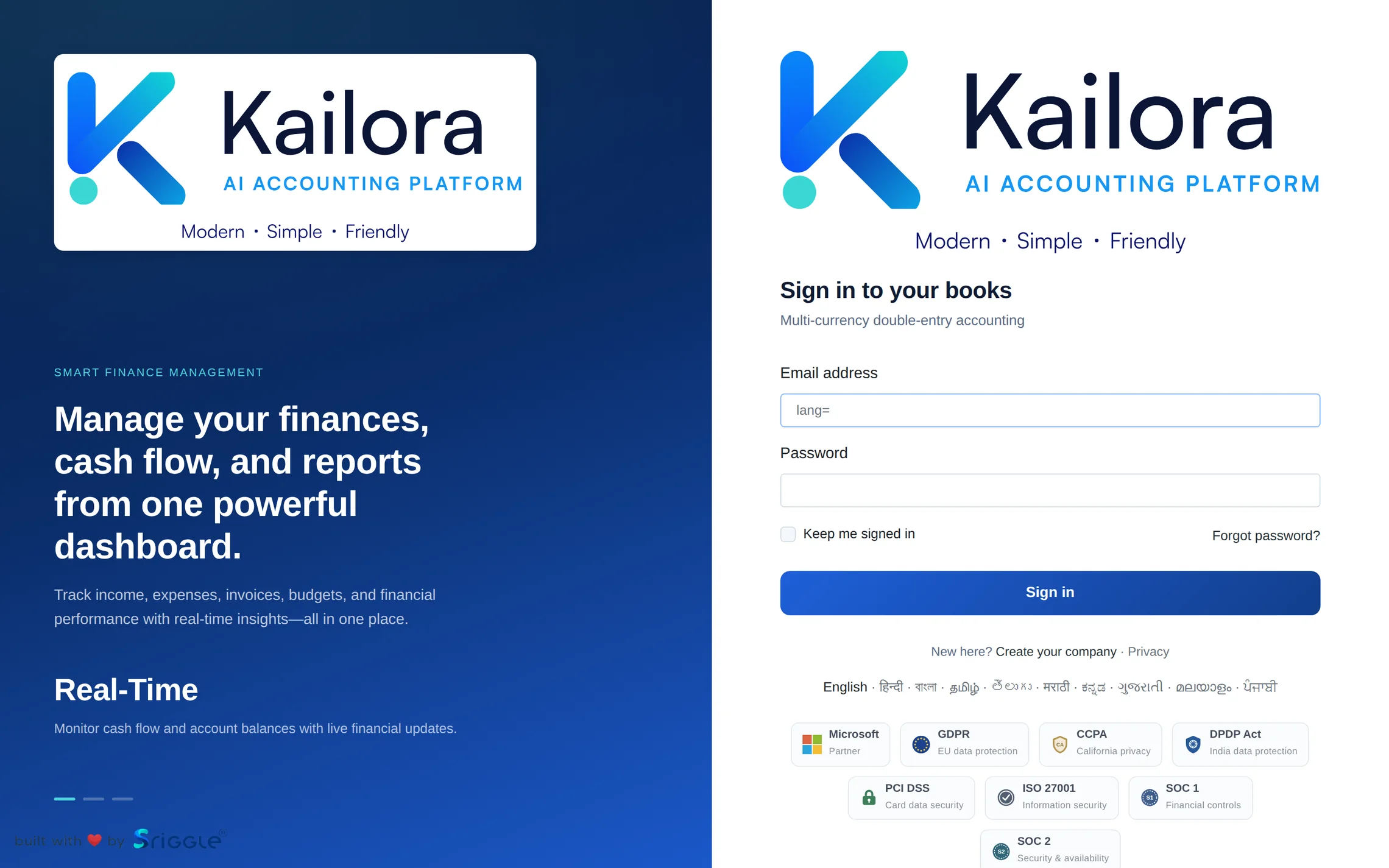
Run several companies under one login, give each user exactly the role they need, and let each person use Kailora in their own language — English, हिन्दी, বাংলা, தமிழ், తెలుగు, मराठी, ಕನ್ನಡ, ગુજરાતી, മലയാളം or ਪੰਜਾਬੀ, on web and mobile.
Security that matches financial data
Two-factor authentication with authenticator apps, sessions you can revoke, an audit log on sensitive actions, and on the phone an optional app lock that uses the device's own fingerprint or face unlock. Tokens live in the platform's encrypted storage, never in plain text.
The boring things, done properly
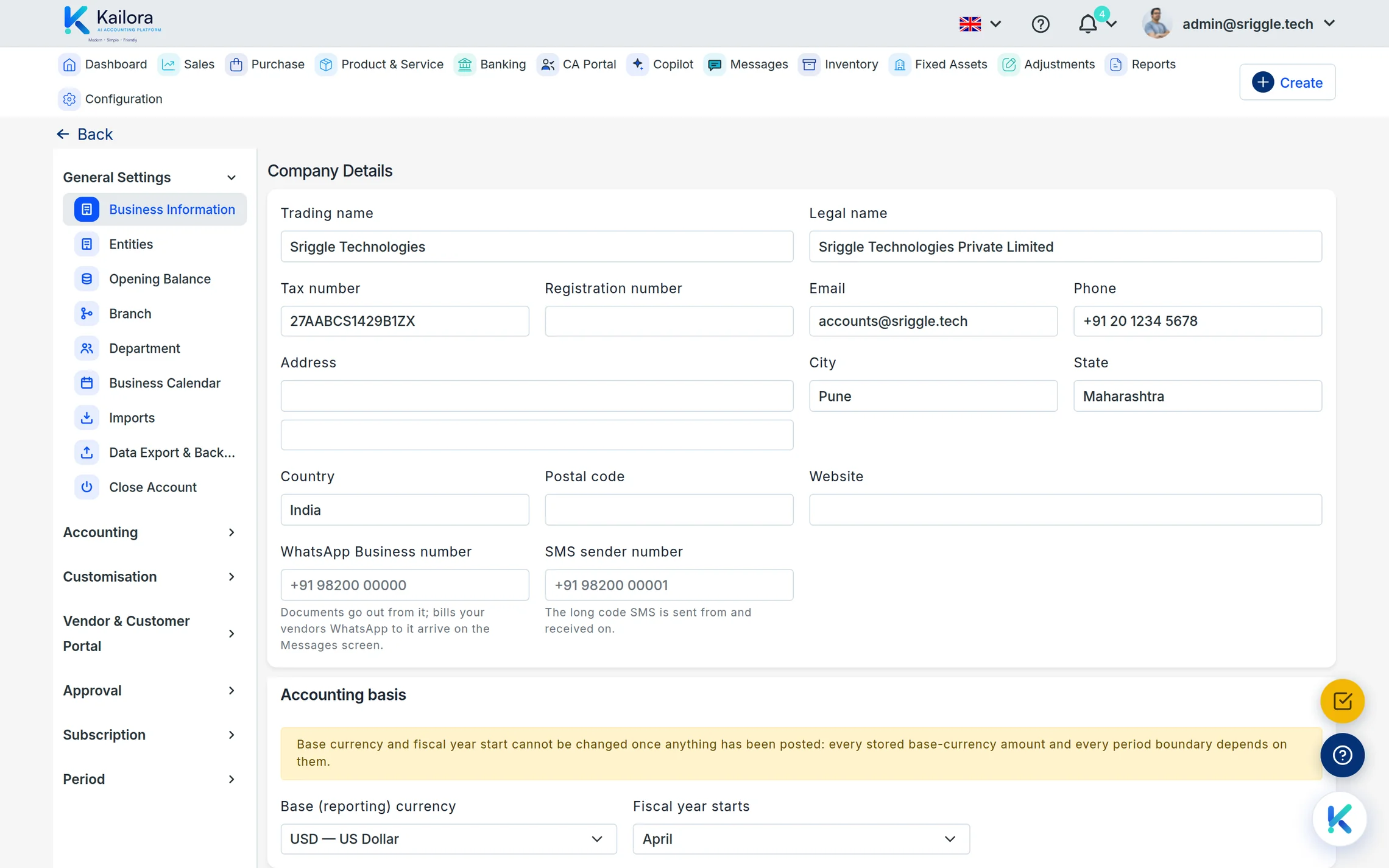
Numbering series per document type — including your own custom series, with every editor showing its number up front and a pencil to override or reseed it — financial-year settings, tax slabs, currencies and exchange rates, templates with your logo: configured once, versioned in the audit trail. Each entity keeps its own time zone (India time by default, with one tick to apply a zone group-wide), and the chart of accounts classifies Capital alongside assets, liabilities, income, expenses and equity so proprietor and partner capital reports where it belongs.
Straight from the product
Real screens from a live Kailora — not mockups.
Common questions
Can I control what each employee sees?
Yes — roles are granular, and portal users (customers, vendors, CAs) see only their own views.
Is my data encrypted?
In transit always (HTTPS is required), and sensitive fields and tokens are encrypted at rest.
Works even better with
CA Portal
A portal for chartered accountants: every client entity in one place, with journals, reports, GST workings and document trails your audit team can rely on.
Dashboard
One screen with today's cash, receivables, payables, GST liability and overdue invoices
Migration
Bring opening balances, parties, items and open documents into Kailora with guided imports
Give your books the week off.
Start free — no card, no lock-in. Your data stays exportable, always.