
KAILORA · MIGRATION
Switching platforms without losing a night's sleep
The reason most businesses stay on software they've outgrown is the move. Kailora's migration path is deliberately boring: guided imports for parties, items, opening balances and open documents, with validation that tells you what's wrong before anything touches your books.
Start from opening balances, not from zero
Bring trial-balance openings per ledger, customer and vendor outstandings as open documents, and stock as opening inventory — so day one in Kailora reconciles with your last day on the old system.
Imports that argue with you
Every import validates first: duplicate GSTINs, unbalanced openings, unknown tax rates. You fix the file, not the ledger. Nothing partial ever posts.
Run parallel if you want to
Plenty of teams run one month in parallel with the old system. Kailora's pricing doesn't punish you for being careful.
Straight from the product
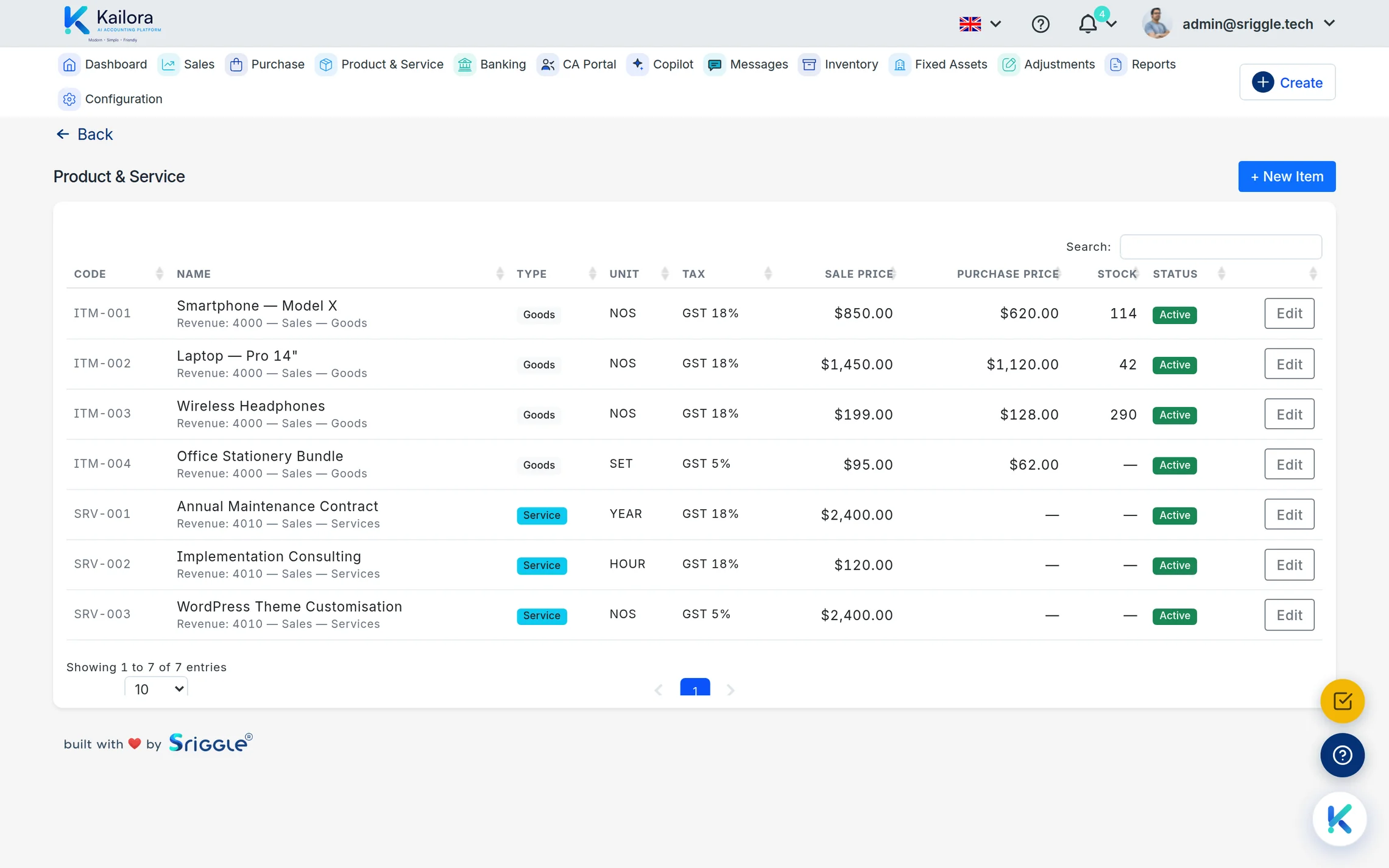
Real screens from a live Kailora — not mockups.
Common questions
Can you migrate from Tally?
Yes — export masters and closing balances from Tally and bring them in through the guided imports. Your CA can drive it from the CA portal.
Do I have to import every master from my old system?
No. Every import that brings masters — Tally, the other supported systems, and the Excel import of customers and suppliers — asks whether to bring all masters or only those carrying opening balances. Pick the second and years of unused ledgers, contacts and items stay behind, while any master the file’s own transactions use is still created.
Do I lose old history?
You keep it in the old system's archive; Kailora starts from verified openings so both stories agree at the switch date.
Works even better with
Settings & Security
Multi-entity setup, user roles, two-factor authentication, biometric app lock, numbering series and 10 display languages.
CA Portal
A portal for chartered accountants: every client entity in one place, with journals, reports, GST workings and document trails your audit team can rely on.
Reports
Trial balance, P&L, balance sheet, cash flow and ageing that always agree with your books, exportable and shareable with your CA.
Give your books the week off.
Start free — no card, no lock-in. Your data stays exportable, always.